

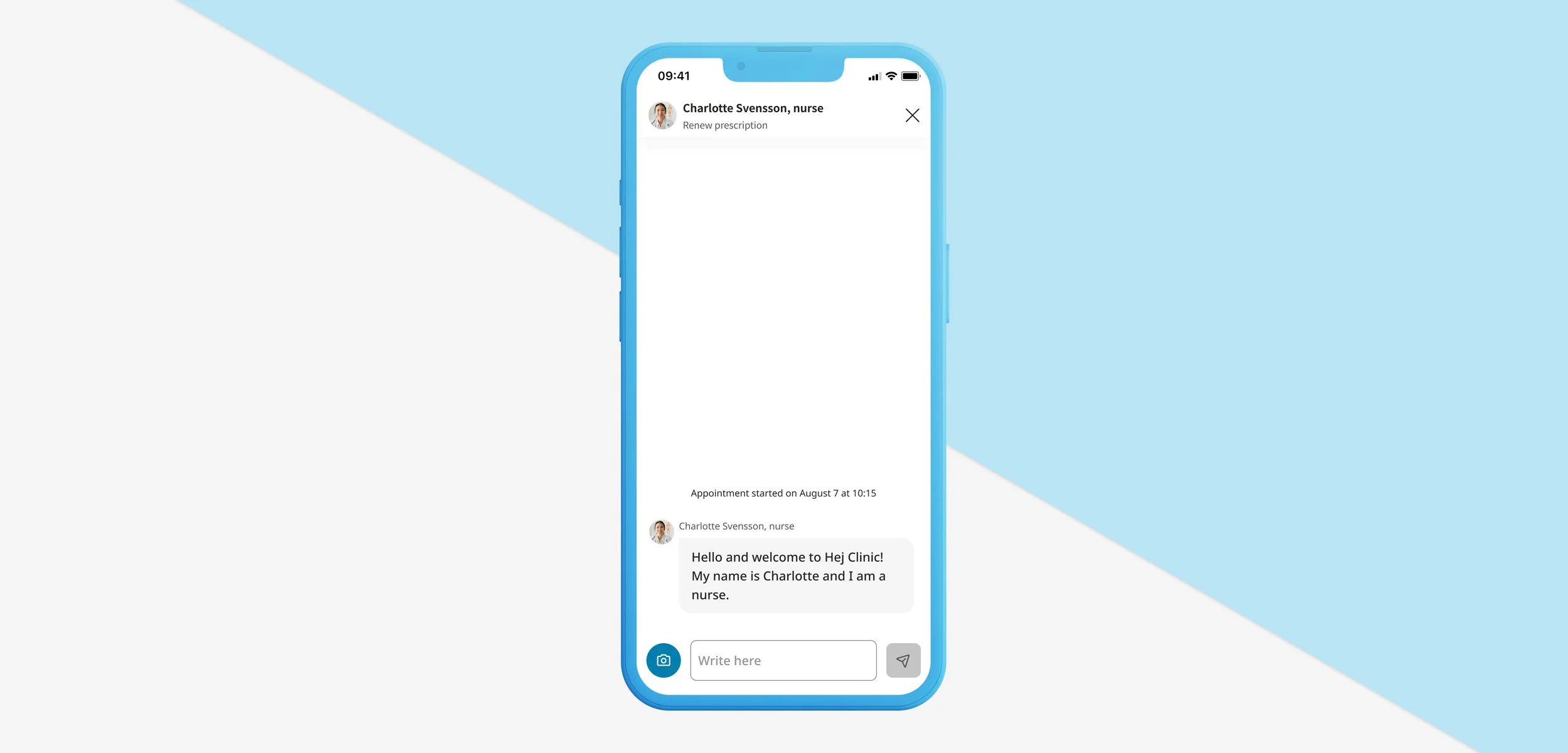
An accessible chat
This project shouldn’t really be called an accessible chat but rather: My learnings with accessibility.
So I will talk about my own journey. Learning how to deal with accessibility requirements and how to instaure better habits in our product development team.
Parenthesis:
Let me introduce Platform24 first. Platform24 specialises in providing white-label solutions for healthcare providers, enabling them to deliver tailored digital healthcare experiences to patients. The platform enhance patient outcomes, and support efficient workflows across diverse healthcare tools & organisations.
As a digital service you have to comply with the Accessibility to Digital Public Service Act (2018:1937), know accessibility issues, and how companies and individuals can report any issues to us and show that we can address them.
At Platform24 we continuously worked to improve accessibility in accordance with the WCAG framework.

My first breakthrough: Participating in an audit
To comply with the Accessibility to Digital Public Service Act (2018:1937) continuous testing and auditing with specific tools is required. At platform we had two different third-parties testing and auditing our app.
Taking part in the audit was for me a good way to understand better how to improve our product within this standards.
On top of that what made an even better impact was testing the flow that I had designed or that I was working on myself with a screenreader.
My second breakthrough:
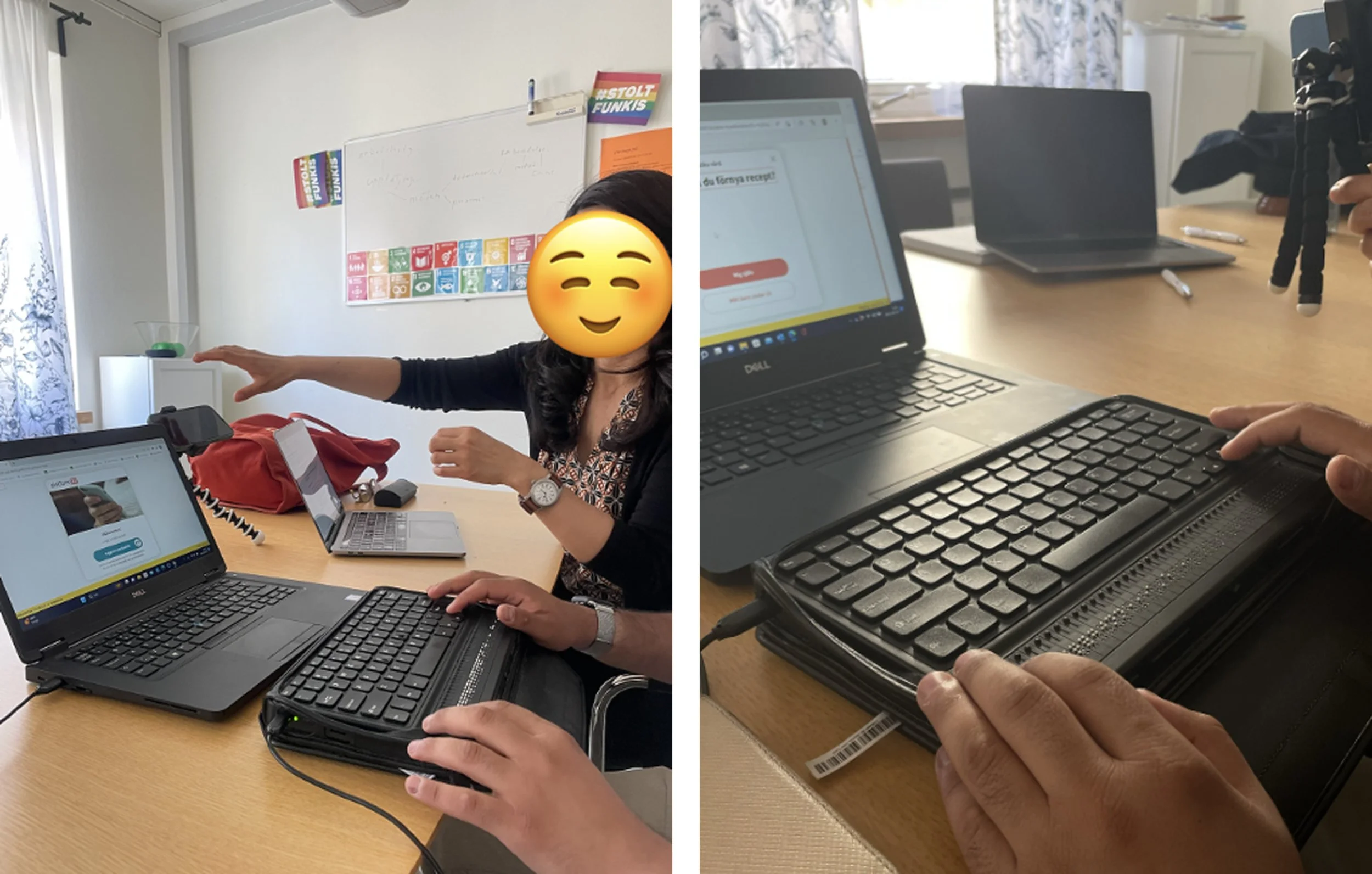
Usability testing with people with an actual visual impairment.
We conducted regular usability testing that includes people with physical and cognitive challenges. We collaborated with organizations like Riksorganisationen Unga Synskadade and Nationellt Kunskapscenter för Dövblindfrågor.
Making sure people were able to go from A to B in our flow was really interesting.
And while having a good tester at hand he was able to spend time with us and explains what is usual and common and what is not. Or even what would even be a better experience by sharing good exemples.
Now how to implement accessibility in your day to day?
This is a very short summary of what we’ve done:
As a designer: a WCAG checklist incorporated in Figma
In your design & product team: a shared audit findings spreadsheet
In your development team: jira checklist, annotations in designs, testing together with screenreader
Design, develop, Repeat.
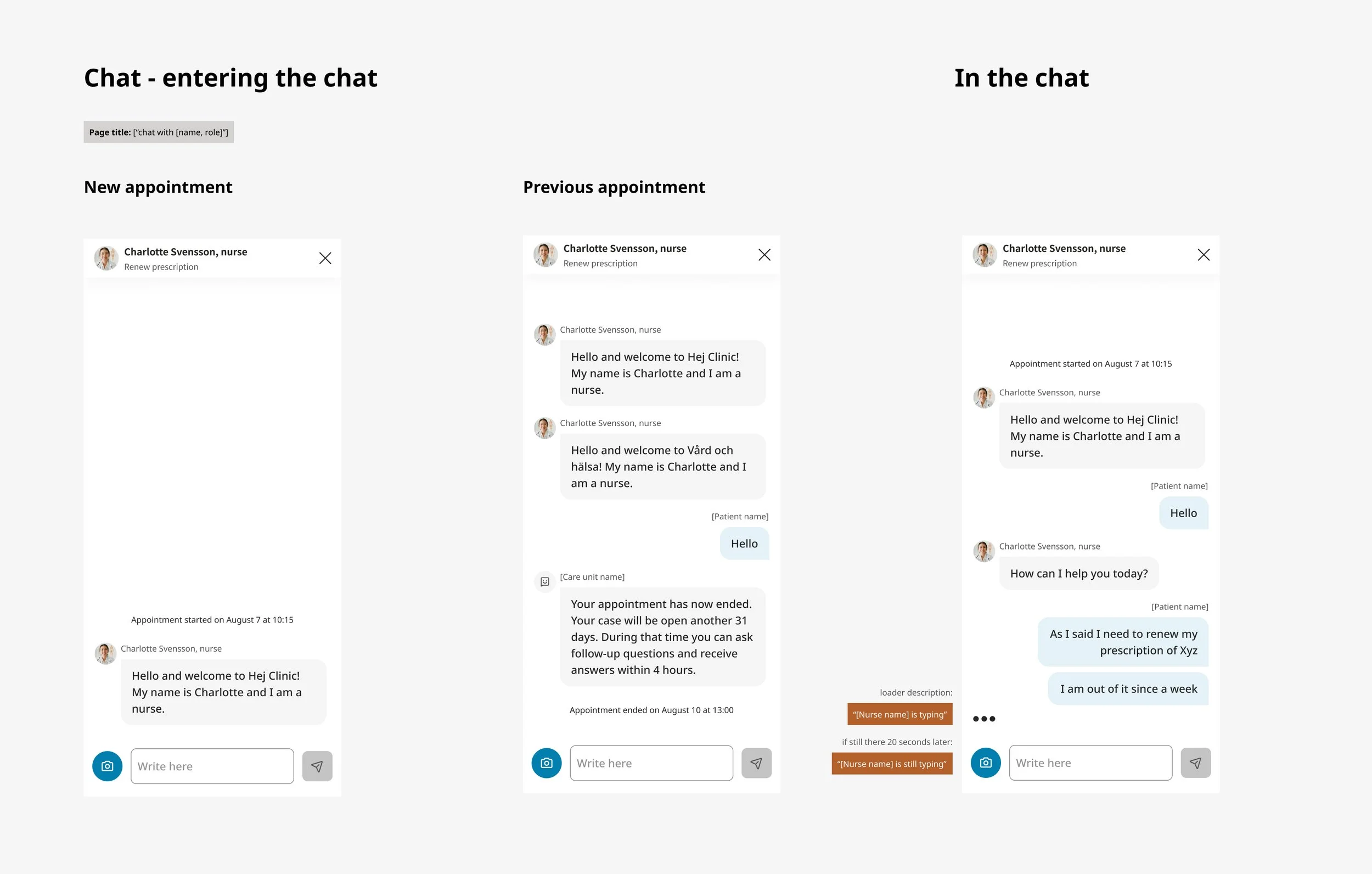
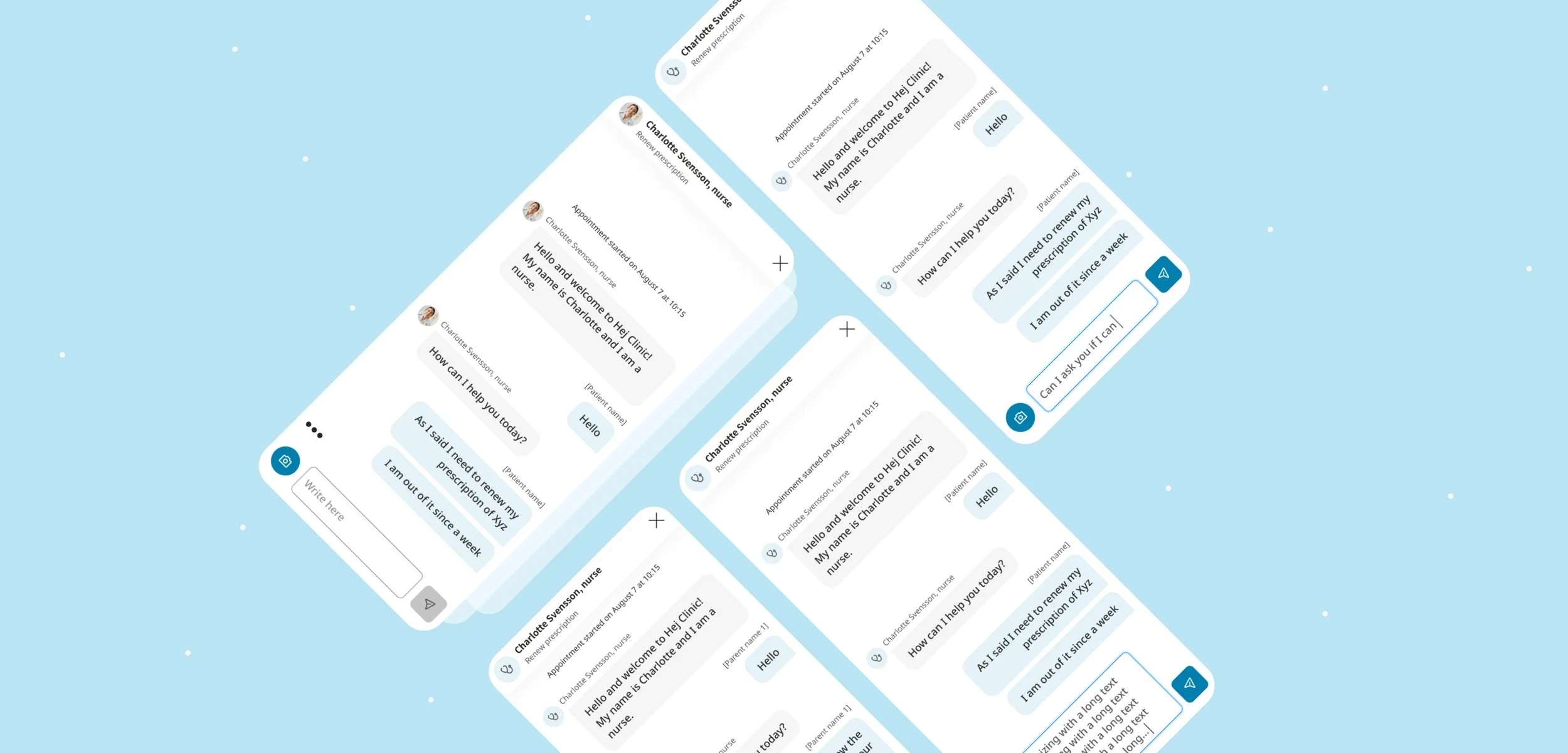
In an iterative process we worked as a team to address findings. Providing solutions and annotating them correctly to ensure a good developpement process.


To finish here is a quote from Bewar who is visually impaired on the overall usage of the app:
“I think it was accessible, easy to go around and press and tick and continue. I wasn't hindered by anything that required help to be able to continue. One can handle it perfectly.”
It doesn’t seem much but it’s already attesting of a lot of effort from everyone involved and allowed us to incorporate better habits in each team.